












































www.farmgolds.com

Categories

    How To Use Friends Pass in Lords of the Fallen Version 2.0: Co-Op Guide

    Tags: ,

    Share To Your:


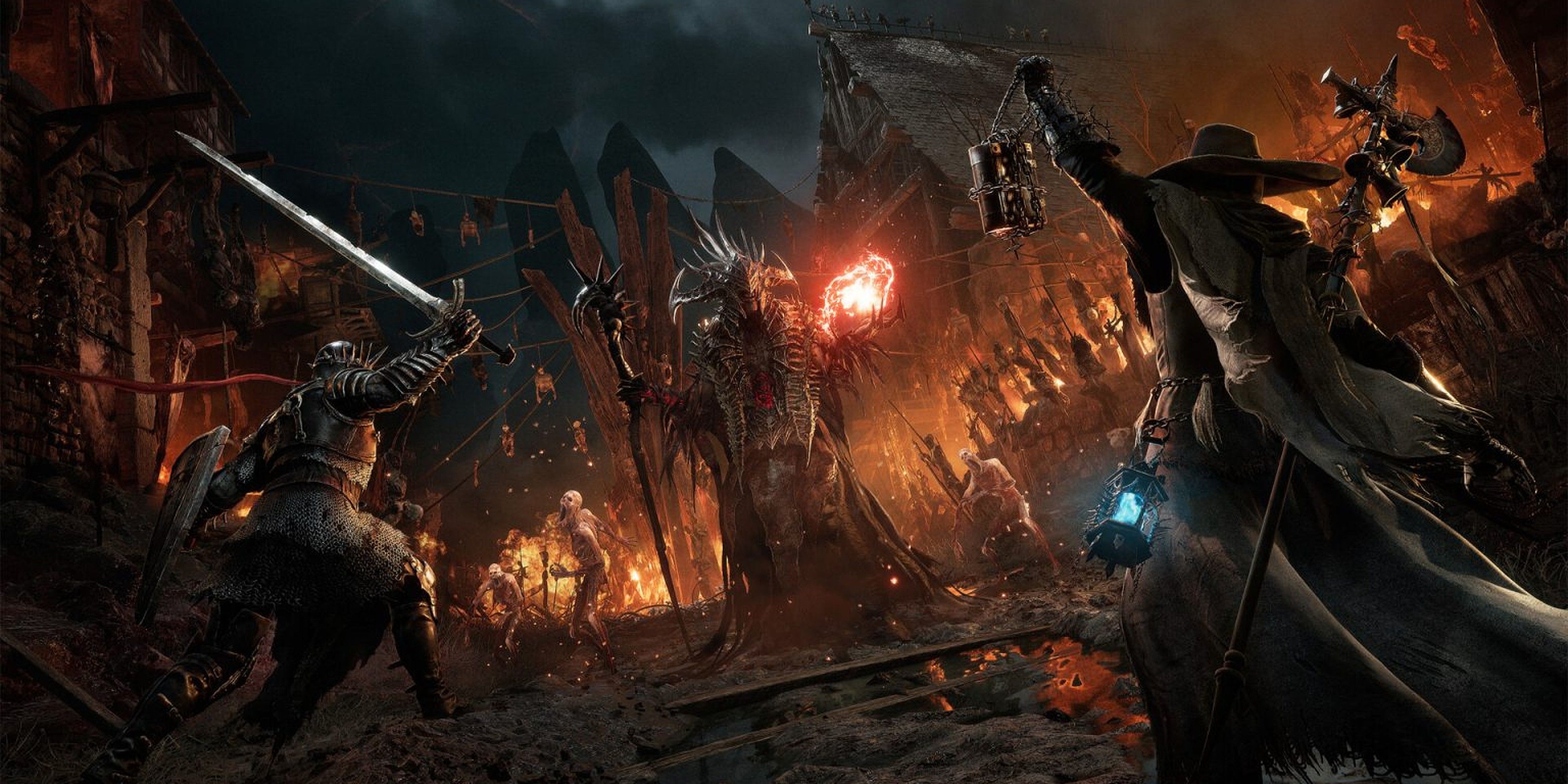
    Lords Of The Fallen - Master Of Fate Intense Battle

    How To Use Friend Pass in Lords of the Fallen 1


    How To Use Friend Pass in Lords of the Fallen 2


    Overview
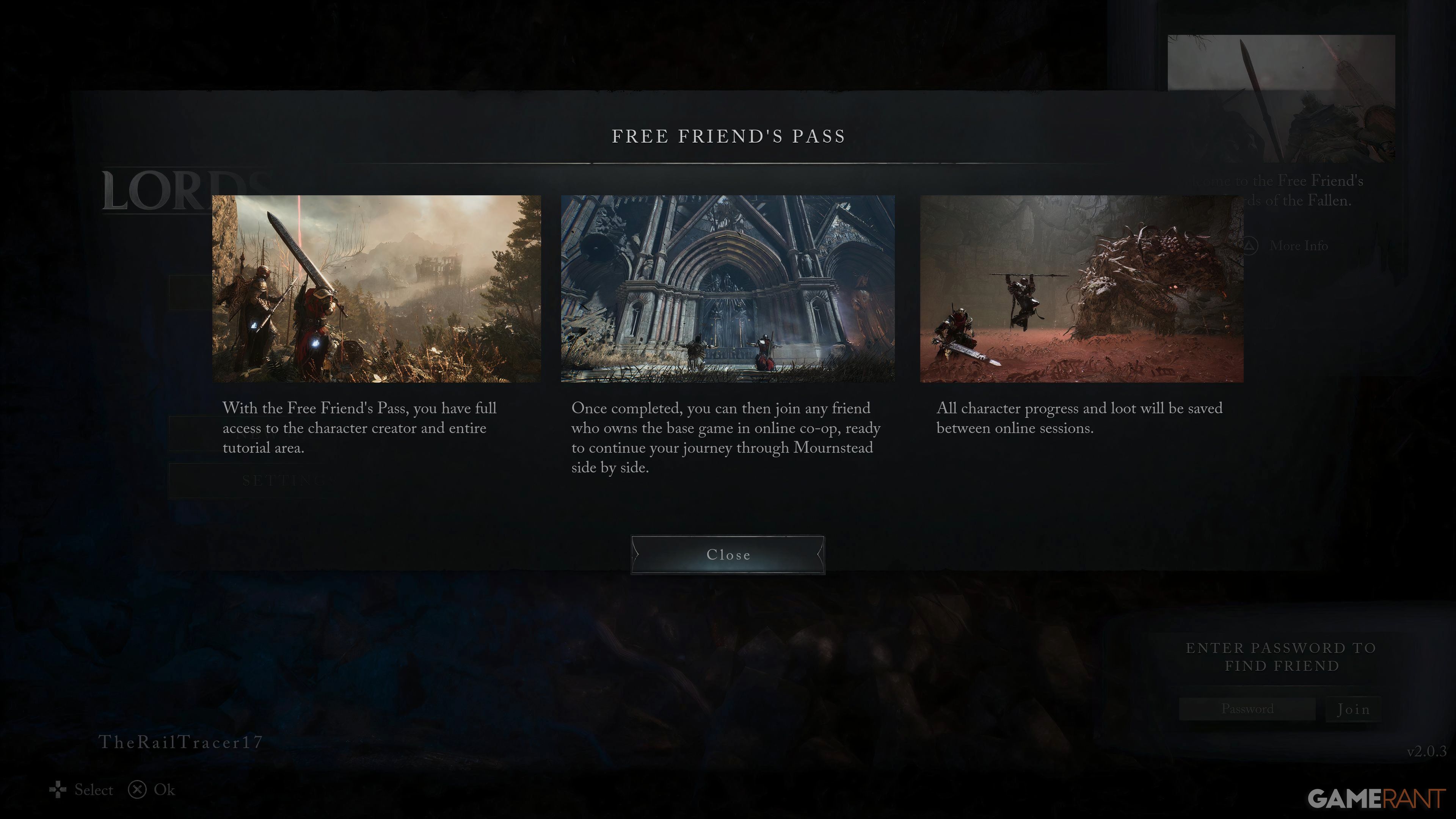
    Lords of the Fallen Version 2.0 revolutionizes multiplayer with the Friends Pass, enabling two players to experience the full game cooperatively—even if only one owns it. This update also refines combat mechanics, introduces shared progression, and adds revival mechanics for smoother co-op gameplay. Below is a step-by-step guide to leveraging the Friends Pass and maximizing multiplayer features.


    1. Activating the Friends Pass

    1.1 Prerequisites

    • Host Requirements: One player must own the full game (digital or physical edition).

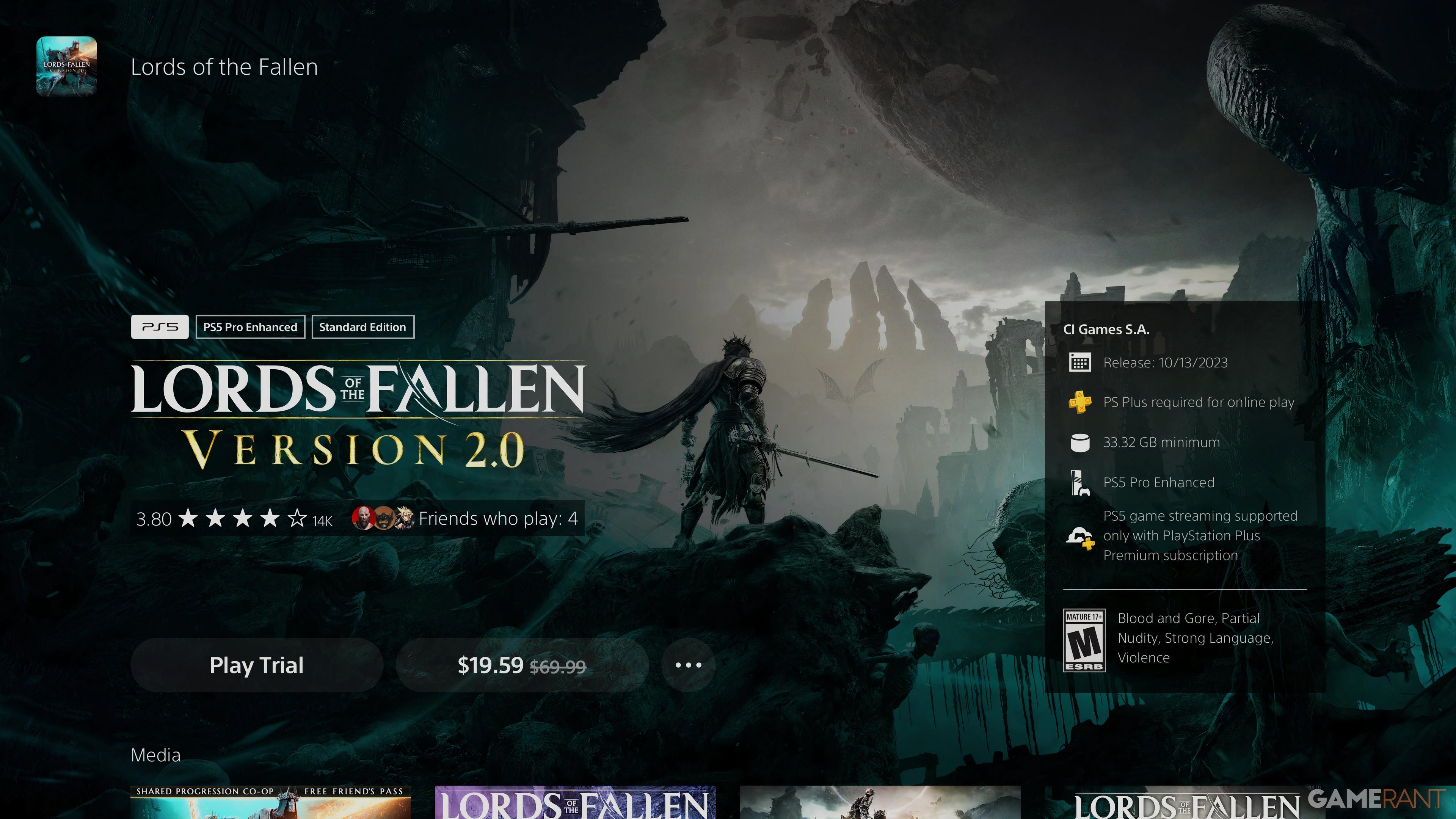
    • Guest Access: The second player requires the free Friends Pass (available via platform stores like Steam, PlayStation, or Xbox).

    • Platform Compatibility: Both players must use the same platform (crossplay not supported).

    1.2 Setup Process

    1. Launch Lords of the Fallen and navigate to the Multiplayer Menu.

    2. Select Host Session (owner) or Join Session (Friends Pass user).

    3. Use invite codes or platform-specific friend lists to connect.

    4. Confirm synchronization of game versions (both players must be on Version 2.0).


      For the Lords of the Fallen 2023 Items visit Farmgolds—we offer fast delivery, secure transactions, and 24/7 customer support.


    2. Multiplayer Enhancements in Version 2.0

    2.1 Key Features

    • Revival Mechanic: Players can revive fallen teammates mid-combat, reducing frustration during boss fights.

    • Shared Progression: Loot, shortcuts, and boss defeats are saved for both players.

    • Improved Netcode: Reduced latency ensures responsive combat in co-op or PvP modes.

    2.2 Player Limits

    • Co-Op: 2 players maximum (host + Friends Pass guest).

    • PvP: 1v1 duels remain available in dedicated arenas.


    3. Optimizing Friends Pass Sessions

    3.1 Role Specialization

    • Host: Prioritize tank builds (e.g., heavy armor + shield) to draw enemy aggro.

    • Guest: Use ranged or magic builds for supportive damage.

    3.2 Progression Tips

    • Synced Exploration: Unlock shortcuts together to streamline backtracking.

    • Loot Distribution: Divide gear based on build synergy (e.g., strength vs. agility items).


    Conclusion
    The Friends Pass in Lords of the Fallen Version 2.0 transforms solo adventures into dynamic co-op experiences, combining shared progression with refined combat mechanics. By following this guide, players can seamlessly team up to conquer the cursed realms.


    Apr-23-2025


    Game News
    • Where To Find All Estus Shards in Dark Souls 3
      Where To Find All Estus Shard…
      Heres where to find all Estus Shards in Dark Souls 3, which are needed to fully upgrade the Estus Flask. The Estus Flask is a vital healing item and can only be upgraded with Estus Shards . By finding …

      2025-08-27 PST

    • Dark Souls 3: Top 10 Mistakes New Players Should Avoid
      Dark Souls 3: Top 10 Mistakes…
      OverviewEmbarking on your first journey through Dark Souls 3? This guide highlights ten common pitfalls that new players often encounter. By understanding and avoiding these mistakes, you can enhance …

      2025-08-26 PST

    • A list of Illusory Wall locations in Dark Souls 3
      A list of Illusory Wall locat…
      Illusory walls are fake walls that disappear when hit with a weapon, revealing new passageways, secret areas, and sometimes even access to secret bossesIllusory Wall LocationsFirelink Shrine One is loc…

      2025-08-25 PST

    • Dark Souls: Remastered: 10 Rarest Rings ( Where To Find Them)
      Dark Souls: Remastered: 10 Ra…
      OverviewRings in Dark Souls: Remastered offer beneficial effects and stat boosts, but some are harder to find than others. This guide details 10 of the rarest rings in the game and where to find them, …

      2025-08-19 PST

    Live Chat